Digital Planning Tools: Streamlining Your Life
In today’s fast-paced world, effective planning is crucial for achieving both personal and professional goals. While traditional methods like paper planners still hold value, digital planning tools offer a range of advantages that can significantly enhance organization, productivity, and collaboration. From simple to-do list apps to comprehensive project management platforms, the digital landscape provides a wealth of options to suit diverse needs and preferences.
Types of Digital Planning Tools
The digital planning tool ecosystem can be broadly categorized into several key types:
To-Do List Apps
These are the most basic, yet often most effective, tools for managing daily tasks. Popular examples include Todoist, Microsoft To Do, and Google Tasks. They excel at capturing individual items, setting due dates, and providing reminders. Many offer features like recurring tasks, prioritization, and collaboration with others for shared lists.
Calendar Applications
Calendar apps, such as Google Calendar, Outlook Calendar, and Apple Calendar, are indispensable for scheduling appointments, meetings, and events. They provide visual representations of your schedule, allow for recurring events, and integrate seamlessly with other applications. Shared calendars are particularly useful for team coordination and family management.
Note-Taking Applications
Note-taking apps, like Evernote, OneNote, and Notion, are versatile tools for capturing ideas, research, and meeting minutes. They allow for organizing notes into notebooks, tagging them for easy retrieval, and embedding images and other media. Some note-taking apps also offer task management features, blurring the line between note-taking and project management.
Project Management Software
Project management software, such as Asana, Trello, and Monday.com, is designed for managing complex projects with multiple team members and dependencies. These platforms provide features like task assignment, progress tracking, Gantt charts, and communication tools to ensure projects stay on track and within budget.
Mind Mapping Software
Mind mapping software, like MindManager and XMind, allows users to visually organize information and brainstorm ideas. Mind maps are particularly useful for planning projects, outlining presentations, and taking notes in a non-linear fashion. They help to visualize the relationships between different concepts and improve understanding.
Benefits of Using Digital Planning Tools
The adoption of digital planning tools offers numerous benefits over traditional methods:
Accessibility and Portability
Digital planning tools are accessible from anywhere with an internet connection and can be accessed on multiple devices, including smartphones, tablets, and computers. This portability ensures that your schedule and tasks are always at your fingertips.
Synchronization and Collaboration
Many digital planning tools offer real-time synchronization across devices and allow for collaboration with others. This feature is particularly useful for teams working on shared projects, as it ensures that everyone is always on the same page.
Customization and Flexibility
Digital planning tools can be customized to suit individual needs and preferences. Users can choose from a variety of templates, themes, and features to create a personalized planning system. This flexibility allows for adapting the tool to changing priorities and workflows.
Reminders and Notifications
Digital planning tools provide reminders and notifications to ensure that deadlines are not missed. These reminders can be customized to be delivered via email, push notifications, or in-app alerts.
Integration with Other Applications
Many digital planning tools integrate seamlessly with other applications, such as email, calendar, and file storage services. This integration streamlines workflows and reduces the need to switch between different applications.
Data Analysis and Reporting
Some digital planning tools offer data analysis and reporting features that provide insights into productivity and performance. This data can be used to identify areas for improvement and optimize workflows.
Choosing the Right Digital Planning Tool
Selecting the right digital planning tool depends on individual needs and preferences. Consider the following factors when making a decision:
Features and Functionality
Evaluate the features and functionality offered by each tool and determine which ones are most important for your specific needs. For example, if you need to manage complex projects, a project management software with Gantt charts and task dependencies would be a good choice. If you primarily need to manage daily tasks, a simple to-do list app may suffice.
Ease of Use
Choose a tool that is easy to learn and use. A complex and overwhelming interface can be a deterrent to adoption. Look for tools with intuitive designs and helpful tutorials.
Pricing
Consider the pricing structure of each tool and determine whether it fits your budget. Many tools offer free plans with limited features, while others offer paid plans with more advanced functionality. It’s important to assess whether the added features are worth the cost.
Integration Capabilities
Check whether the tool integrates with other applications that you use regularly. Seamless integration can significantly improve workflow efficiency.
Reviews and Ratings
Read reviews and ratings from other users to get an idea of the tool’s reliability and performance. Pay attention to feedback on customer support and bug fixes.
Conclusion
Digital planning tools offer a powerful way to streamline your life, improve productivity, and achieve your goals. By carefully evaluating your needs and choosing the right tool, you can unlock a new level of organization and efficiency. Whether you are a student, a professional, or a stay-at-home parent, the right digital planning tool can help you stay on top of your responsibilities and make the most of your time.
 750×350 choosing digital planning tools tips gtd shortform books from www.shortform.com
 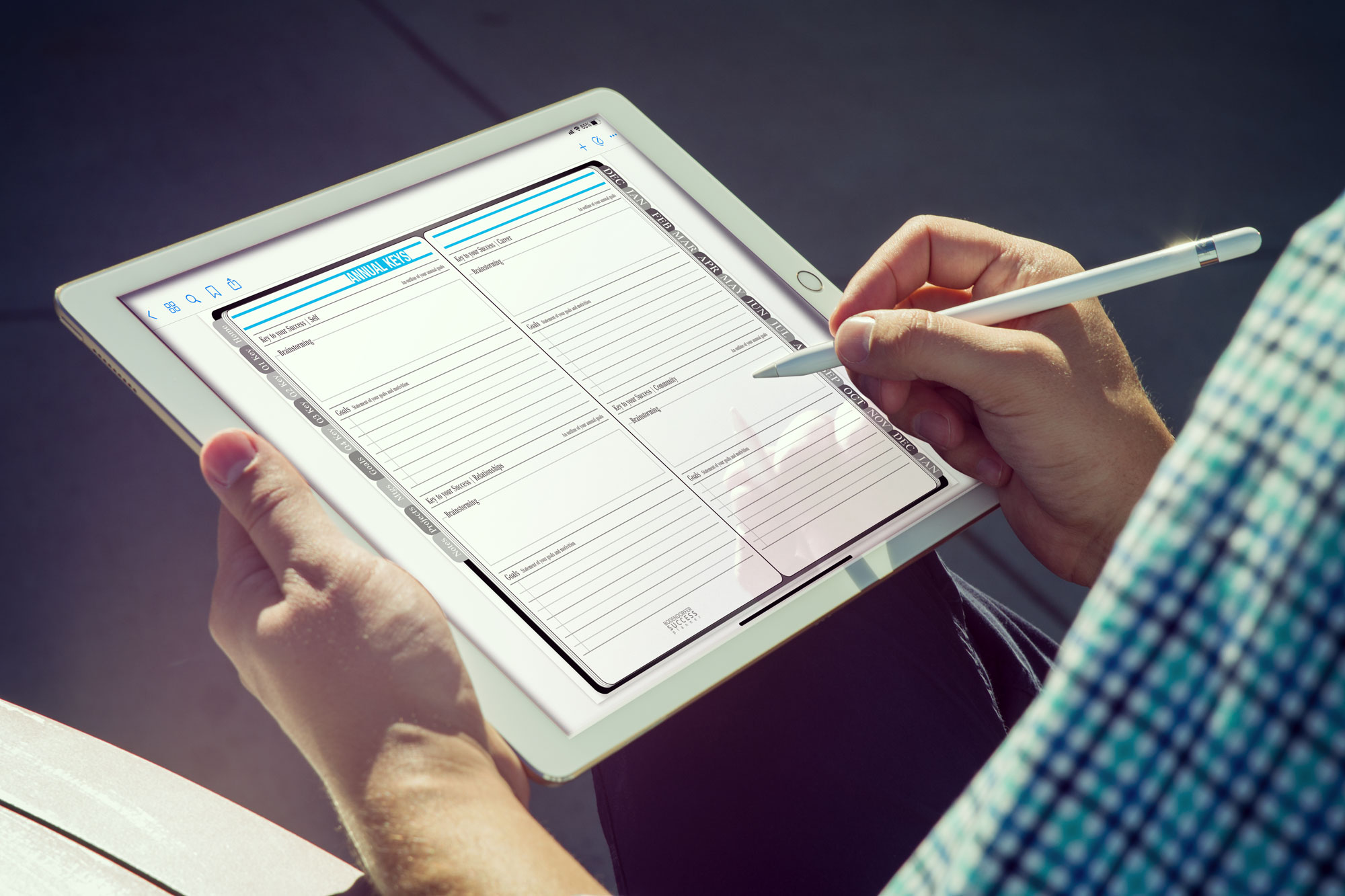 2000×1333 digital planning guide from brandenbodendorfer.com
  1536×1152 digital planning liz kohler brown from www.lizkohlerbrown.com
  756×567 daybookproscreen from www.teachthought.com
  1000×745 digital planning tools apps heart planners from iheartplanners.com


Tidak ada komentar:
Posting Komentar